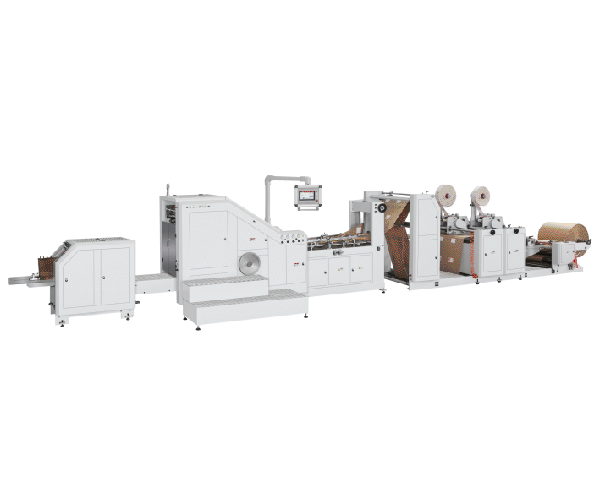
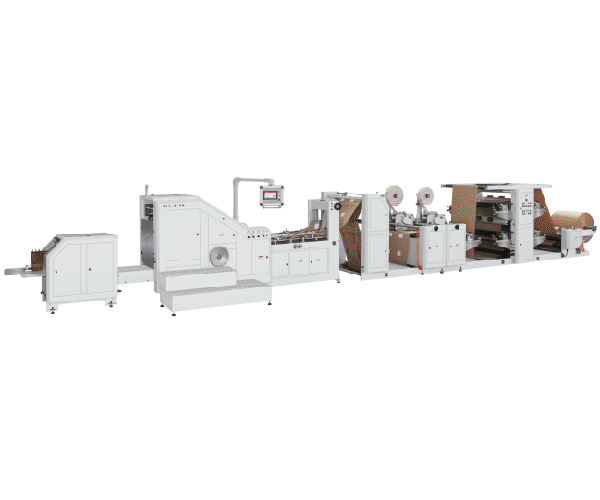
Your paper bag making machine has been running smoothly for weeks. Then, without warning, production slows. Sensors start misreading. Glue application becomes inconsistent. Bearings begin to wear prematurely. You check the obvious suspects—blades, tension, paper quality—but everything seems normal.
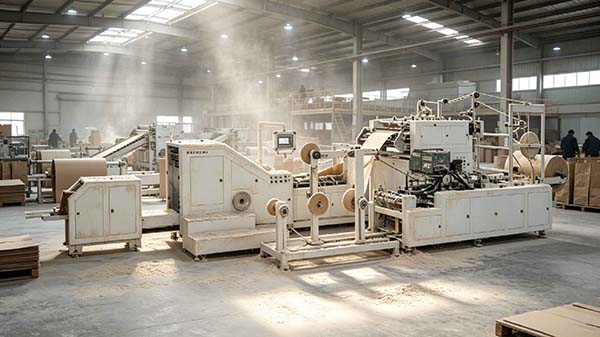
The culprit is likely hiding in plain sight: paper dust.
The short answer: paper dust is an unavoidable byproduct of paper bag production, but it does not have to destroy your machine. The key is understanding where dust accumulates, how it damages components, and implementing a systematic cleaning and prevention protocol. Regular cleaning of suction pipes, sensor lenses, guide rollers, drive chains, and motor surfaces can prevent the majority of dust-related performance issues.
This guide explains how paper dust damages your equipment, where it hides, and what you can do to stop it.
What Is Paper Dust and Why Is It a Problem?
Paper dust—also called paper powder, paper lint, or cellulose dust—is generated whenever paper is cut, scored, slit, folded, or trimmed. In a paper bag making machine, dust is produced at multiple points: roll feeding, cutting, die-cutting handles, bottom folding, and even during gluing and drying.
The problem is that paper dust looks harmless. It is fine, light, and easy to overlook. But in a production environment, it is anything but benign.
Paper dust can:
- Interfere with sensors — Dust on photoelectric sensor lenses causes misreading, leading to registration errors and rejected bags
- Damage bearings and moving parts — Dust mixes with lubricants, forming an abrasive paste that accelerates wear
- Clog pneumatic systems — Dust blocks suction cups, blow pipes, and air passages, causing paper feeding failures
- Affect glue application — Dust on glue rollers or surfaces reduces adhesion strength
- Cause overheating — Dust on motor surfaces insulates heat, leading to overheating alarms and potential motor failure
- Create fire and explosion hazards — Paper dust in enclosed spaces can form explosive mixtures, especially when combined with static electricity or heat sources
Where Paper Dust Hides in Your Machine
Paper dust does not stay in one place. It travels through the machine with the paper web and airflow, settling in areas you might not expect.
| Location | Why It Accumulates | What Happens |
|---|---|---|
| Suction cups and blow pipes | Dust is drawn into vacuum systems | Blockages cause paper feeding failures |
| Photoelectric sensor lenses | Dust settles on optical surfaces | Misreading, registration errors, rejected bags |
| Guide rollers and paper guides | Dust clings to moving surfaces | Paper misalignment, wrinkles, jams |
| Drive chains and sprockets | Dust mixes with lubricants | Accelerated wear, chain stretch, breakage |
| Motor cooling fins and surfaces | Dust insulates heat dissipation | Overheating, thermal shutdown, motor failure |
| Glue rollers and applicators | Dust contaminates adhesive surfaces | Poor adhesion, bag failures |
| Cutting blades and die-cutting units | Dust generated at cutting points | Dull blades, rough cuts, increased dust production |
| Electrical cabinets and control panels | Dust enters through cooling vents | Short circuits, component failure |
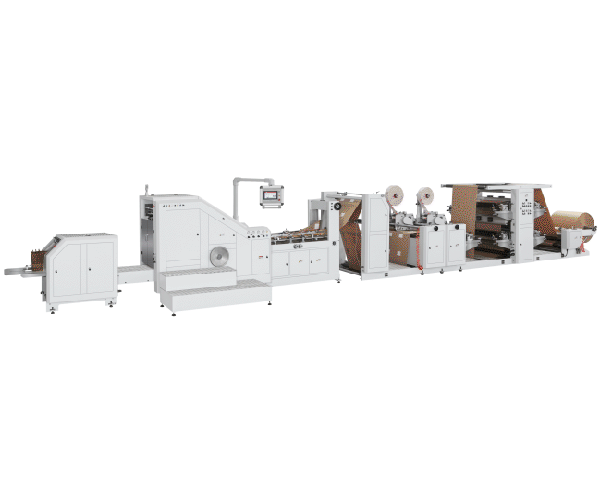
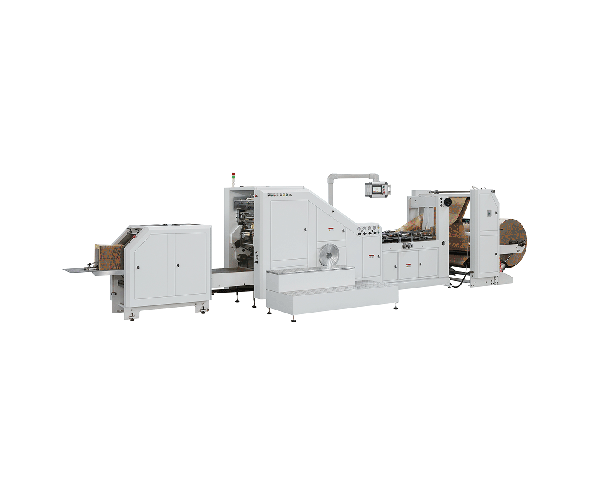
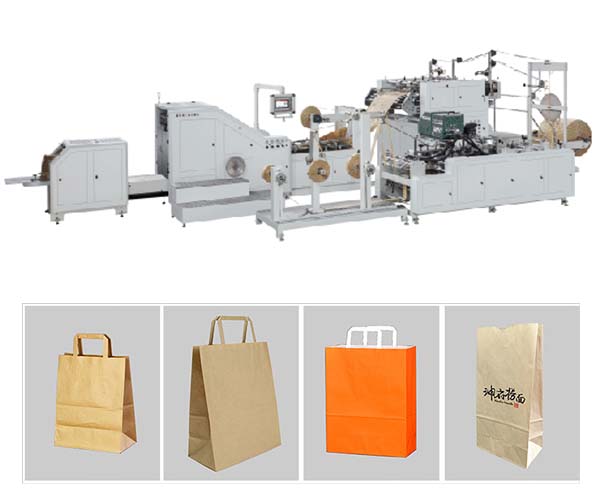
For machines with handle-making units—such as the LSB-330-F fully automatic roll-fed flat rope handle paper bag machine—dust is also generated during handle cutting, gluing, and laminating processes. These additional operations introduce more dust sources that can affect both handle quality and overall machine performance. Check the LSB-330-F specifications to understand the specific components and maintenance requirements of this model.
The Hidden Costs of Paper Dust
Many operators underestimate the financial impact of paper dust. The costs are not always obvious, but they add up quickly.
Production downtime — When sensors fail or paper jams occur due to dust buildup, production stops. A 15-minute stoppage on a machine running at 180 bags per minute (the maximum speed of the LSB-330-F) means 2,700 lost bags.
Quality rejects — Dust-contaminated glue joints fail. Dust on printed surfaces causes defects. Each rejected bag represents wasted material, energy, and labor.
Premature component replacement — Bearings, chains, and motors that should last years may fail in months when contaminated by dust-laden lubricants.
Safety risks — Paper dust accumulation creates fire and explosion hazards. Paper dust presents a very high risk of fire and may, under certain conditions, be explosive. Review the available fully automatic handle paper bag machine configurations to see how different machine designs address dust management.
How to Prevent Paper Dust Damage: A Practical Guide
Preventing paper dust damage is not complicated, but it requires consistent effort and a systematic approach.
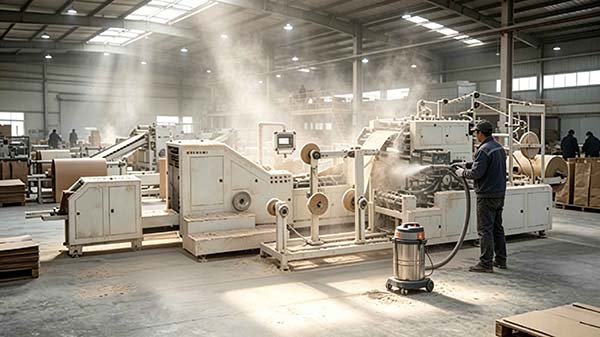
Daily Cleaning Checklist
Make these tasks part of your daily start-up and shut-down routine:
- Wipe sensor lenses with a soft, lint-free cloth. Even a thin layer of dust can affect accuracy
- Clean suction cups and blow pipes — Remove and inspect for blockages; clear with compressed air
- Wipe guide rollers and paper guides — Remove visible dust accumulation
- Check glue rollers — Remove any dust or dried adhesive buildup
- Inspect the cutting area — Clear dust and debris from blades and die-cutting units
- Wipe down motor surfaces — Ensure cooling fins are not insulated by dust
- Clean dust and debris from sealing units — Paper dust and adhesive residue accumulate quickly
If you are unsure about any maintenance step or need clarification on best practices, consult the frequently asked questions for guidance on common operational challenges.
Weekly Maintenance Tasks
- Clean drive chains and sprockets — Remove old lubricant and dust mixture; re-lubricate with clean lubricant
- Inspect and clean electrical cabinets — Use a vacuum (not compressed air, which can blow dust into sensitive areas)
- Check all pneumatic lines — Ensure no blockages in air passages
- Inspect dust extraction system — If your machine has one, verify it is functioning properly
Monthly Maintenance Tasks
- Deep clean all machine surfaces — Use a vacuum with a brush attachment to remove dust from hard-to-reach areas
- Inspect bearings — Listen for unusual noise; check for signs of dust contamination in lubricants
- Review sensor accuracy — Verify that all sensors are reading correctly; recalibrate if necessary
- Check motor temperatures — Compare to baseline; elevated temperatures may indicate dust insulation
Choosing the Right Cleaning Tools and Methods
Not all cleaning methods are equal. Some can actually make the problem worse.
Use a vacuum with HEPA filtration — This removes dust rather than redistributing it. Avoid blowing dust with compressed air, which creates a combustible dust cloud and simply moves the problem elsewhere.
Use lint-free cloths — Standard rags can leave fibers that cause additional contamination.
Use appropriate cleaning solvents — For glue rollers and adhesive areas, use solvents recommended by your adhesive supplier. For general cleaning, isopropyl alcohol is often effective.
Consider dust extraction systems — For high-volume operations, installing a dust extraction system at key dust-generation points (cutting, scoring, trimming) can significantly reduce overall dust levels.
Use anti-static measures — Static electricity attracts dust particles to paper surfaces and machine components. Ionizer systems at infeed, coating, and winding points can neutralize charge and reduce dust adhesion.
When to Call for Professional Help
While daily and weekly cleaning can prevent most dust-related issues, some situations require professional intervention:
- Persistent sensor errors despite cleaning — sensors may need replacement or recalibration
- Unusual bearing noise — dust may have caused permanent damage
- Overheating motors — internal dust contamination may require professional cleaning
- Frequent paper jams — dust may have damaged guide rollers or paper paths
FAQ
1. How often should I clean paper dust from my bag machine?
Daily cleaning of sensors, suction cups, and guide rollers is recommended. Weekly cleaning of chains and electrical components is also important. The exact frequency depends on your production volume, paper type, and environmental conditions. Machines running recycled paper or uncoated paper typically generate more dust and require more frequent cleaning.
2. Can paper dust cause my machine to overheat?
Yes. Dust accumulation on motor surfaces and cooling fins acts as insulation, preventing heat dissipation. This can lead to overheating alarms and, in severe cases, motor failure.
3. Is paper dust a fire hazard?
Yes. Paper dust in enclosed spaces can form explosive mixtures, especially when combined with static electricity or heat sources. Paper dust presents a very high risk of fire and may, under certain conditions, be explosive. Regular cleaning and proper dust extraction are essential safety measures.
4. What is the best way to clean sensors without damaging them?
Use a soft, lint-free cloth slightly dampened with isopropyl alcohol. Gently wipe the sensor lens. Do not use compressed air, which can force dust into the sensor housing. Never use abrasive materials that could scratch the lens.
5. Does paper type affect dust generation?
Yes. Uncoated papers, recycled papers, and kraft papers typically generate more dust than coated or calendered papers. If you frequently run dusty paper types, consider increasing your cleaning frequency or installing additional dust extraction.
6. Can paper dust affect glue performance?
Yes. Dust on glue rollers or on the paper surface itself can interfere with adhesive bonding. Dust contamination is a common cause of bag failures, particularly at the bottom seal and handle attachment points.
Conclusion
Paper dust is an unavoidable part of paper bag production, but it does not have to destroy your machine. The key to protecting your equipment is understanding where dust accumulates, how it damages components, and implementing a systematic cleaning and prevention protocol.
Key takeaways:
- Paper dust damages sensors, bearings, motors, and glue systems — often invisibly and gradually
- Daily cleaning of sensors, suction cups, and guide rollers prevents the majority of dust-related issues
- Weekly and monthly maintenance catches problems before they become failures
- Use vacuum cleaning, not compressed air — blowing dust spreads the problem and creates safety hazards
- Different paper types produce different dust levels — adjust your cleaning frequency accordingly
For operations running fully automatic handle paper bag machines, the handle-making unit is particularly susceptible to dust contamination. The gluing, cutting, and laminating processes in handle production generate significant dust that can affect both the handle quality and the main machine's performance.
If you are experiencing persistent dust-related issues or need assistance selecting the right maintenance approach for your specific production setup, contact the manufacturer with your machine model and the specific problems you are encountering.