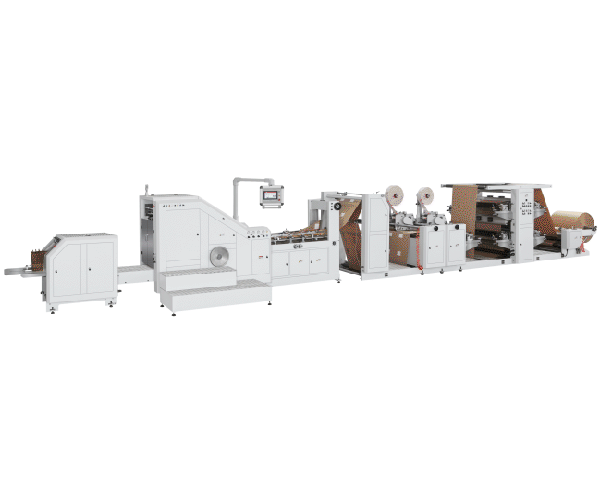
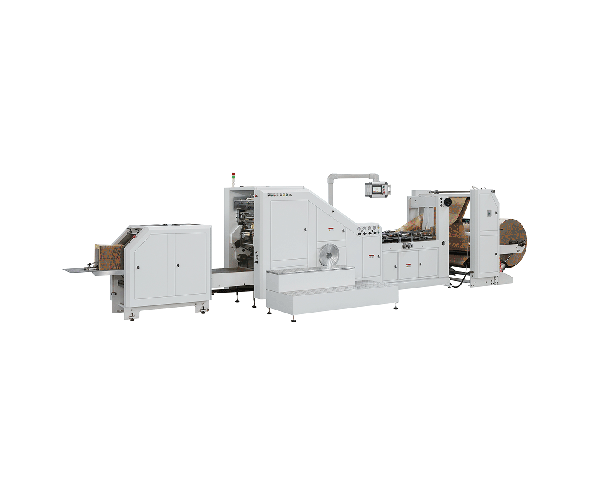
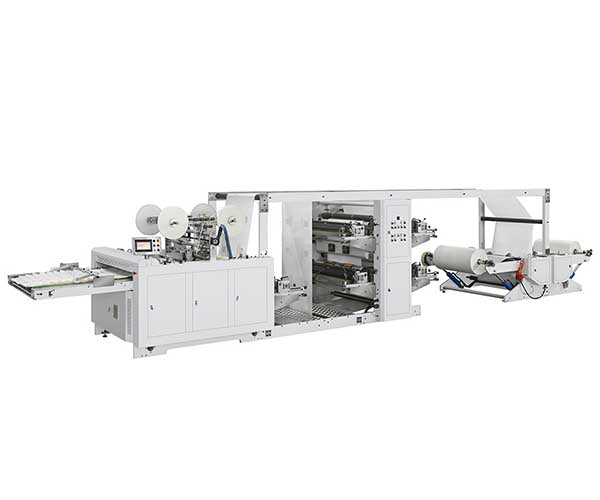
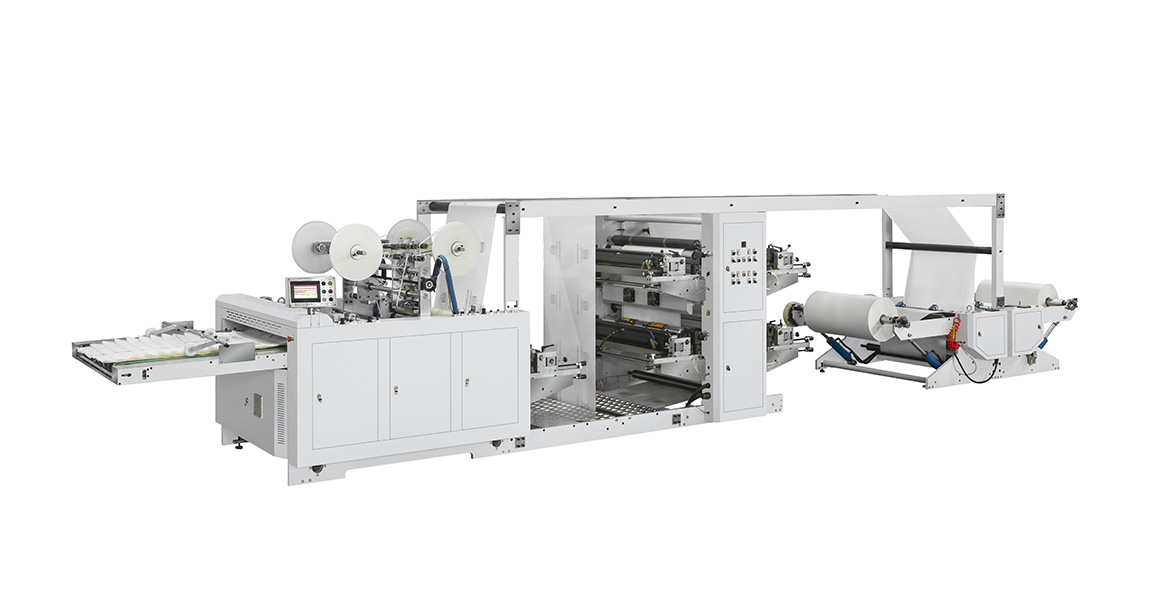
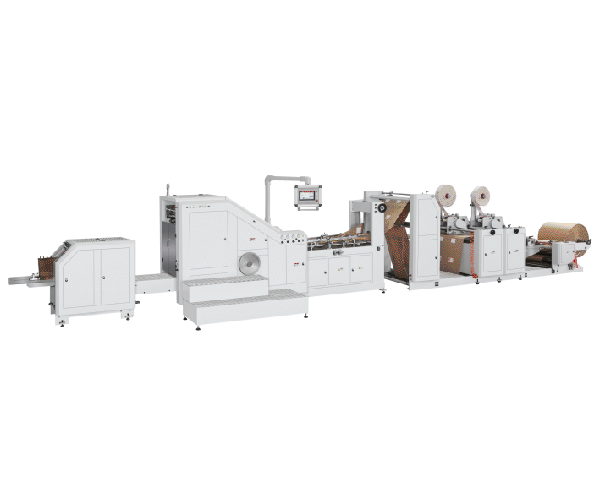
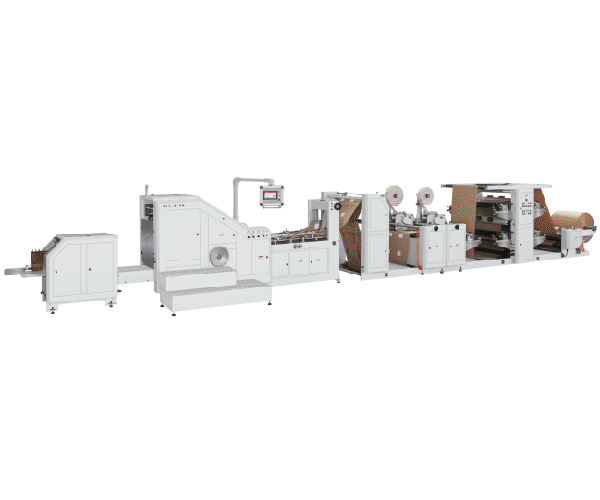
If your automatic paper bag line is running below its rated maximum, the bottleneck is rarely a single component. Line speed is the result of several interacting factors: material consistency, tension stability, print registration, adhesive behavior, changeover discipline, and machine condition.
The short answer: you can raise output on an automatic paper bag production line by controlling what the machine depends on—consistent paper tension, accurate print registration, a correctly configured cutting and sealing path, stable adhesive application, disciplined changeovers, and clean, well-calibrated servo systems. Rated speeds are achieved only when these conditions align; actual output typically depends on material, configuration, and operator practice.
This guide covers seven practical levers, each tied to a specific part of the process.
Stabilize Web Tension First
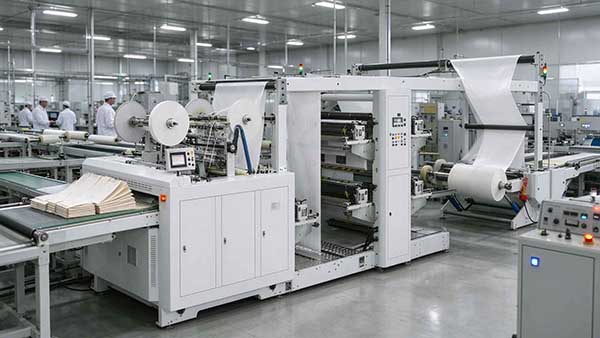
Tension is the foundation of speed. If web tension fluctuates, registration drifts, cutting length varies, and the line must be slowed down to avoid rejects.
Machines in the LES series use an automatic constant tension control system intended to keep tension consistent from the start of the roll to the end. To get the most from it:
- Confirm the tension setpoint matches the actual paper grade and gsm being run
- Check that the tension controller reacts smoothly rather than oscillating
- Inspect the unwinder brake and dancer roller for wear or sticking
- Verify that reel diameter changes are being compensated correctly
Why it matters: unstable tension forces operators to reduce speed to protect registration and cut quality. Stabilizing tension often recovers speed without any mechanical change.
Keep Print Registration Tight
On lines with inline flexo printing, print registration is a direct speed limiter. The LES-1100+LST-41100 is listed with an overprint precision of ±0.15 mm and a maximum printing speed of 120 m/min. When registration drifts, operators slow the line to avoid misregistered print.
Check the following:
- Confirm the color mark tracing system is reading reliably and triggering the automatic stop on color error
- Verify the button-based 360° continuous longitudinal register adjustment is set correctly for the current repeat length
- Inspect the ceramic anilox roller and doctor blade for ink buildup or wear
- Confirm printing plate thickness matches the specification (1.7 mm for this model)
Why it matters: registration errors compound at higher speeds. A clean, calibrated print unit allows the line to run closer to its rated print speed.
Configure Double-Line Output Correctly
For models that support dual-line production, double-line configuration can substantially change effective output. The LES-1100+LST-41100 is listed at 150 pcs/min in single-line mode and 300 pcs/min in double-line mode.
To use double-line output effectively:
- Confirm the air pressure slitting knife is set to split the web cleanly and centered
- Verify that both output lanes maintain correct bag width and sealing position
- Check that the collection and counting system handles both lanes without jams
- Confirm the adhesive spray pattern is correct for both lanes
Why it matters: double-line output only delivers its rated benefit when both lanes run cleanly. A single misaligned lane can force the whole line back to single-line speed.
Tune the Adhesive System for Speed
Adhesive application is a frequent hidden bottleneck. If glue is applied too heavily, bags need more time to set; if applied unevenly, sealing failures cause rejects and slowdowns.
The LES-1100+LST-41100 uses an online hot melt adhesive double-sided adhesive spraying system. To keep it speed-friendly:
- Confirm the spray pattern matches the sealing and pasting requirement
- Check nozzle condition for partial clogging or drift
- Verify adhesive temperature and open time are appropriate for the line speed
- Confirm the cold glue coating path (where used) is clean and evenly applied
Why it matters: adhesive problems often surface as intermittent sealing failures at higher speeds. Tuning the adhesive system removes a common reason operators slow down.
Reduce Changeover Time
Changeover time is invisible in the speed specification but visible in daily output. Every minute spent adjusting is a minute not producing.
Practical steps:
- Standardize changeover steps and assign them to specific operators
- Use the pneumatic automatic printing plate roller and register adjustments to reduce manual setup
- Record successful settings for repeat orders so they can be restored quickly
- Verify that cutting length and bag width scales are clearly marked and accurate
Why it matters: on lines running multiple bag sizes, changeover discipline often has a larger effect on weekly output than any single speed setting.
Control Paper Dust Before It Costs You Speed
Paper dust affects sensors, registration, and adhesive performance—and operators often respond by slowing the line. Dust control is therefore a speed lever, not just a maintenance task.
Key actions:
- Clean sensor lenses and color mark readers daily
- Keep suction cups, blow pipes, and pneumatic lines clear
- Vacuum rather than blow dust to avoid redistributing it
- Follow a weekly and monthly cleaning schedule for chains, cabinets, and motors
For a detailed cleaning protocol, see our guide on how to stop paper dust from damaging bag machine performance.
Why it matters: dust-related misreads are a common cause of unexplained slowdowns. Controlling dust protects both speed and quality.
Keep the Servo System Calibrated
Modern automatic lines rely on servo drives for feeding, cutting, sealing, and registration. The LES-1100+LST-41100 is listed with six servo motors and a Yaskawa servo control system. Servo drift or misalignment shows up as registration errors, cut length variation, and inconsistent sealing.
Checklist:
- ☐ Confirm servo parameters have not drifted from the commissioning baseline
- ☐ Listen for unusual noise or vibration during acceleration
- ☐ Verify encoder feedback is stable and free of dust or oil contamination
- ☐ Confirm the touchscreen and PC control system display real-time conditions accurately
- ☐ Schedule periodic professional calibration according to the maintenance plan
Why it matters: servo systems are the timing backbone of the line. Small calibration errors force conservative speed settings to protect quality.
Quick Reference: Speed Levers and What They Affect
| Lever | Main Effect on Speed | Typical Symptom When Neglected |
|---|---|---|
| Web tension stability | Registration, cut length | Drift forcing slower running |
| Print registration | Print speed ceiling | Misregistered print, rejects |
| Double-line configuration | Effective output per hour | One lane jams, line reverts to single-line |
| Adhesive system tuning | Sealing reliability at speed | Intermittent seal failures |
| Changeover discipline | Daily output across orders | Long setup time, lost production minutes |
| Paper dust control | Sensor and registration reliability | Unexplained misreads and slowdowns |
| Servo calibration | Timing accuracy across stations | Cut length variation, sealing inconsistency |
What Rated Speed Actually Means
It is worth being precise about terminology. Rated maximum speed—such as 150 pcs/min single-line or 300 pcs/min double-line on the LES-1100+LST-41100—is a specification figure. Actual production speed typically depends on paper and adhesive qualities, bag dimensions, operator knowledge, and general work philosophy, as noted in the manufacturer's specifications.
In practice, the goal is not to chase the rated number on every order, but to remove the constraints that prevent the line from reaching it when conditions allow. The seven levers above are the constraints most often within an operator's control.
FAQ
1. What is the single biggest factor limiting automatic paper bag line speed?
In most operations, web tension stability and print registration are the two most common constraints. If either drifts, operators must slow the line to protect quality. Material consistency and adhesive behavior are close behind. consult the FAQ section for additional guidance.
2. Can double-line output really double production?
Double-line configuration can substantially increase output per hour, and the LES-1100+LST-41100 is listed at 300 pcs/min in double-line mode versus 150 pcs/min single-line. However, the benefit depends on both lanes running cleanly, correct slitting alignment, and adequate downstream collection capacity.
3. How often should servo systems be calibrated?
Calibration frequency depends on production hours, material abrasiveness, and environmental conditions. Many operations review servo parameters during scheduled maintenance and confirm baseline values against commissioning records. Specific intervals should be confirmed with the manufacturer.
4. Does paper gsm affect achievable line speed?
Yes. Heavier paper grades and certain coatings can require different tension and adhesive settings, which may affect the speed the line can sustain while maintaining quality. The LES series is listed for 30–150 gsm, and performance within that range varies by material and configuration.
5. How much does changeover time affect weekly output?
The impact depends on order mix. For lines running many different bag sizes, changeover discipline often has a larger effect on weekly output than any single speed setting. Standardizing steps and saving repeat-order settings are practical ways to recover production time.
6. Where can I find detailed specifications for a specific model?
Model-specific parameters such as cutting length range, bag width range, printing colors, and servo configuration are listed on the individual product pages. You can check the LES-1100+LST-41100 specifications as a reference example.
Conclusion
Boosting speed on an automatic paper bag production line is rarely about one dramatic change. It is about removing the constraints that force operators to run conservatively: unstable tension, drifting registration, misconfigured double-line output, inconsistent adhesive, slow changeovers, paper dust, and uncalibrated servo systems.
Key takeaways:
- Tension and registration are the two most common speed constraints
- Double-line configuration can substantially raise output, but only when both lanes run cleanly
- Adhesive tuning prevents intermittent sealing failures at higher speeds
- Changeover discipline often affects weekly output more than any single setting
- Dust control and servo calibration protect the timing and sensing accuracy the line depends on
- Rated speed is a specification, not a guarantee—actual output depends on material, configuration, and operator practice
If you are evaluating equipment for a new line or comparing configurations for higher output, review the available automatic three-side sealing paper bag machine configurations to see how different models handle printing, sealing, and double-line output.
If you are troubleshooting a specific speed constraint on an existing line or need guidance on calibration intervals, contact the manufacturer with your machine model and operating conditions.